
Real Estate
How to organise open-home follow-ups with automation
A practical workflow from open-home registration to acknowledgement and agent follow-up, covering duplicates, preferences, stop rules and what should stay personal.
By Talk Digital · 25 October 2026 · 4 min read
- Workflow design
- Customer communication
- Data and privacy
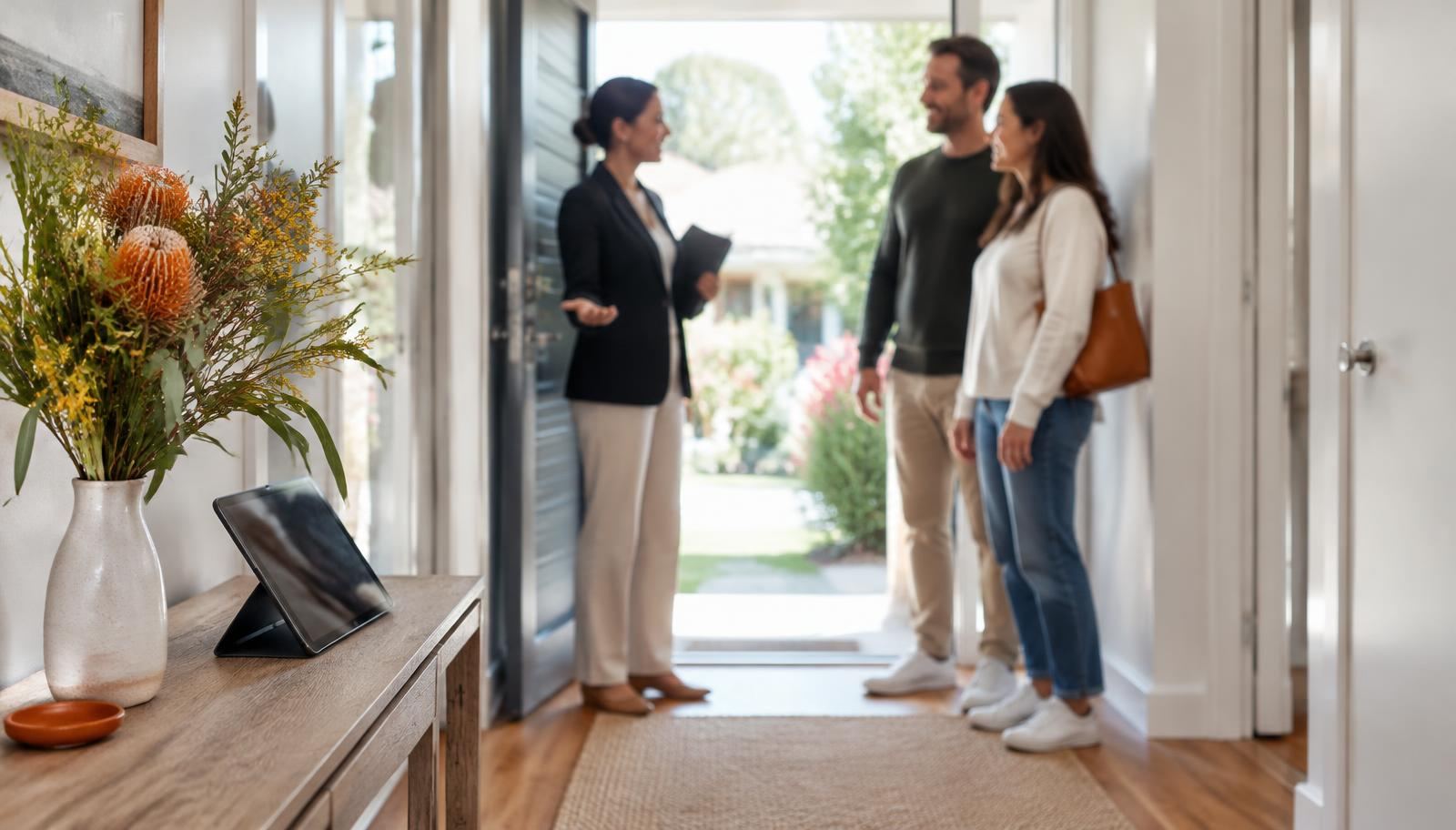
After a busy Saturday of open homes, an agent may have dozens of registrations across several properties. Getting back to the right people promptly, with the right information, is hard to do by hand and easy to get wrong.
This guide shows how automation can organise the follow-up: capturing registrations cleanly, sending a short acknowledgement and creating tasks so the responsible agent can make personal contact. For broader context, see where AI can help a real estate agency's daily workflow.
Start with the registration
The quality of the follow-up depends on what is captured at the door. Ask only for what you need to follow up, and tell people how their details will be used.
If your agency is covered by the Privacy Act, the OAIC explains (opens in a new tab) that organisations may collect only personal information reasonably necessary for their work, collection must be lawful and fair, and people should be told matters such as the purpose of collection. A short notice on the registration screen covers this far better than silent collection.
Not every small agency is covered by the Act. The OAIC's small business guidance (opens in a new tab) explains the turnover threshold and the exceptions that can apply, so check rather than assume.
An illustrative follow-up workflow
The steps below show one way to organise the process. Adjust timing and wording to suit your agency and local practice.
Example open-home follow-up workflow
- An attendee registers on a tablet or by scanning a code, giving their name, contact details and communication preference.
- The registration is matched against existing CRM contacts to avoid creating a duplicate record.
- A short acknowledgement is sent through the attendee's preferred channel, thanking them and saying the agent will be in touch.
- A follow-up task is created for the responsible agent, listing attendees for that property with any notes captured on the day.
- The agent makes personal contact and records the outcome in the CRM.
- If the attendee asks not to be contacted, opts out or gives invalid details, further messages stop and the record is updated.
Duplicates and communication preferences
The same buyer may attend several homes, register with a different email, or already exist in your CRM from a portal enquiry. Without matching, they receive three acknowledgements and the agent sees three records.
Agree simple matching rules, such as phone number plus name, and send uncertain matches to a person to merge rather than letting the system guess. Respect communication preferences: if someone asked for email only, do not send SMS.
Sample acknowledgement copy
Keep the acknowledgement short and factual. This example is illustrative; write your own in your agency's voice.
- Example: Hi Alex, thanks for visiting 12 Example Street today. Your agent will be in touch soon. If you would prefer not to receive messages about this property, reply STOP.
If acknowledgements or later messages are commercial in nature, the Spam Act 2003 (opens in a new tab) sets rules for consent, accurate sender information and a functional unsubscribe facility. Identify your agency clearly and get advice if you are unsure how the rules apply to your messages.
What should stay personal
Automation should handle the acknowledgement and the task list, not the relationship. The follow-up conversation, answering questions about the property, discussing price expectations and understanding what a buyer is looking for should come from the agent.
Do not use automation to rate or rank buyers, or to decide who is a serious prospect. Those are judgements for the agent, based on conversations, not on an automated assessment of registration data.
Failure scenarios and stop rules
Test what happens when things go wrong before you rely on the workflow. Each scenario below should have a defined outcome.
- The tablet loses connection: registrations queue and sync later without duplicates
- A phone number or email is invalid: no further messages, and the record is flagged
- An attendee replies with a question: the reply goes to the agent, not into a void
- An attendee opts out: all messages about that property stop
- The property sells or is withdrawn: pending sequences for it end
- The responsible agent is away: tasks reassign to a named colleague
Ownership and measurement
Name one person who owns the workflow: they keep the acknowledgement wording current, check that tasks are reaching agents and decide when rules change. Without an owner, small problems such as a broken registration link can go unnoticed for weeks.
Measure what the workflow is meant to improve. Useful signals include how quickly attendees receive an acknowledgement, how many follow-up tasks are completed within your agreed time, how many duplicate contacts are created and how many people opt out. A rise in opt-outs usually means the timing or tone needs adjusting.
Review the results after a few weekends, with the agents who use it, and adjust before rolling the workflow out across every listing.
Next steps
Most of this workflow depends on your CRM. Before connecting anything, read what to ask before connecting AI to your real estate CRM. When you are ready, explore specialists for real estate agencies or see how the free 15-minute consultation works.
Common questions
Should we send property updates to every attendee automatically?
Only where people have agreed to receive them and the messages meet the rules for commercial messages. A personal follow-up from the agent is usually more valuable than an automated campaign.
What if an attendee does not want to give their details?
Explain why you ask and what you will use the details for. Collect only what you need, and follow your agency's policy and any local requirements for inspection attendance records.
Sources and further reading
This article is general information, not legal, tax or financial advice. Check your situation with a qualified adviser where it matters.
Discuss your proposed workflow with a specialist
Visit the Real Estate page to see where specialists can help and who is listed, browse all specialists, or tell Talk Digital what you need. Your first consultation with a specialist is free and lasts 15 minutes, and sending a request does not commit you to anything.
Keep reading
Real Estate
Where AI can help a real estate agency's daily workflow
Practical, administrative uses of AI in a residential sales agency, why verified property facts matter, and what should stay with agents.
Real Estate
What to ask before connecting AI to your real estate CRM
The questions to work through with your CRM provider and a specialist before connecting AI or automation: plans, interfaces, permissions, data quality, testing and rollback.
Marketing
Marketing automation for small business: a plain-language starter guide
Which marketing tasks are worth automating in a small business, how to stay within Australia's spam rules, and how to keep automated messages feeling personal.