
Customer service
Adding an AI chatbot to your website: what to know before you start
What an AI chatbot can and cannot do for a small business website, how to prepare, and how to keep customers happy when the bot does not know the answer.
By Talk Digital · 24 October 2026 · 3 min read
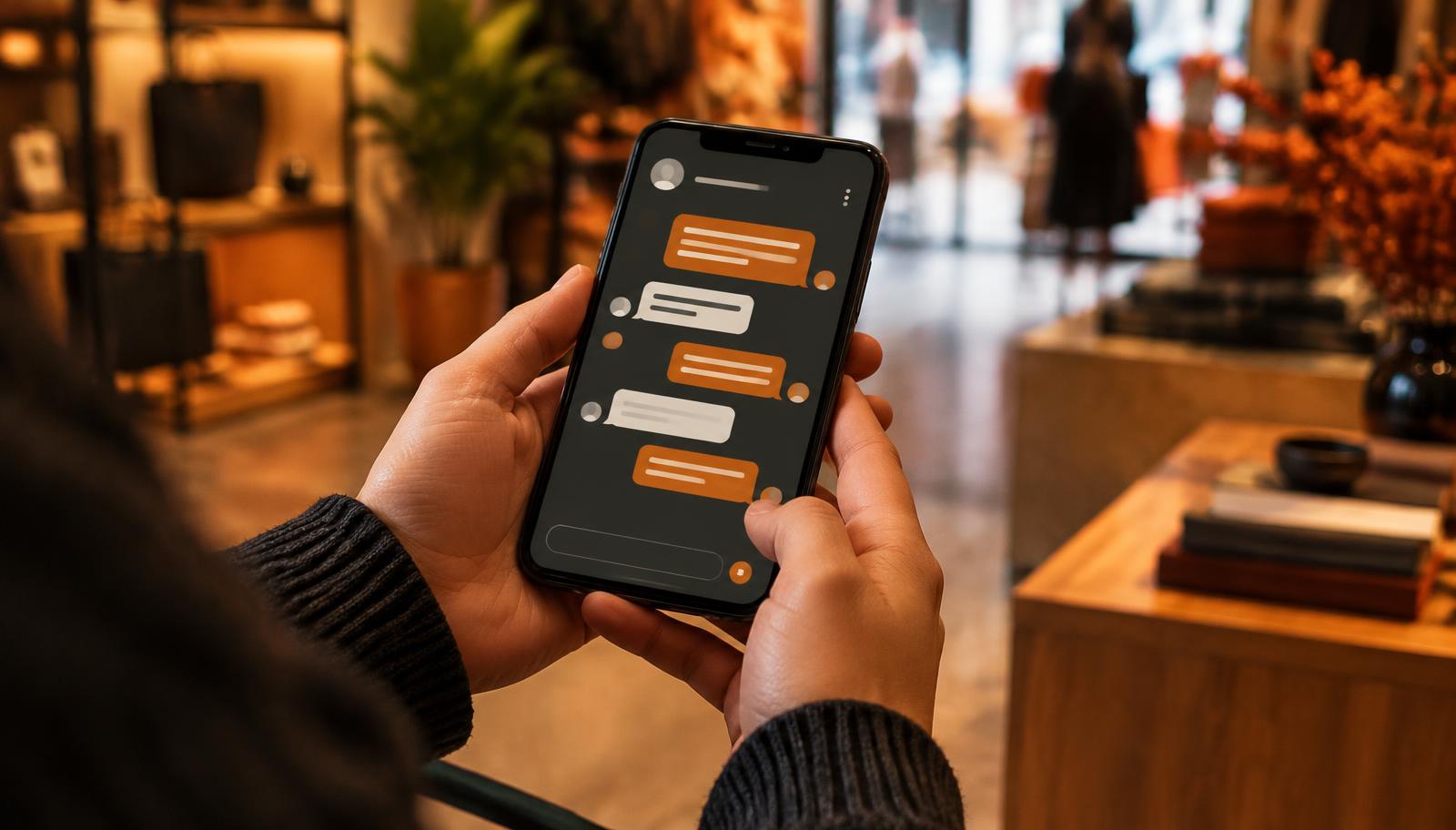
An AI chatbot on your website can answer common questions at any hour, help visitors find what they need and collect details for your team to follow up. Modern chatbots can understand questions written in everyday language, rather than only responding to set buttons.
They can also give wrong answers with complete confidence. This guide explains what to prepare, which questions to ask providers and how to set up a chatbot that helps customers rather than frustrating them.
What a website chatbot does well
Chatbots are most useful for questions that come up again and again and have clear answers. Think opening hours, service areas, how to book, delivery times, returns and what to bring to an appointment.
They can also capture enquiries outside business hours, asking for a name, contact details and a short description of the job so your team can follow up.
- Answering frequent questions from your own information
- Pointing visitors to the right page or form
- Collecting enquiry details for a person to follow up
- Handling simple requests, such as checking an order status, when connected to your systems
What it should not do
Keep chatbots away from decisions that need judgement, empathy or professional advice. A chatbot should not quote prices it cannot confirm, give legal, financial or medical advice, or make promises your business cannot keep.
Your business is responsible for what its chatbot says. Treat chatbot answers like any other communication from your business and make sure they are accurate.
Prepare your content first
A chatbot is only as good as the information you give it. Before choosing a provider, gather your most common questions and write clear, current answers. Your existing FAQs, service pages and staff knowledge are a good start.
Decide which topics the chatbot should not answer, and what it should say instead. "I am not able to help with that, but I can pass your details to our team" is better than a guess.
- List the twenty or so questions customers ask most.
- Write short, accurate answers in plain language.
- Mark topics that must always go to a person.
- Choose someone to keep the answers up to date.
Privacy and being upfront with customers
The Australian privacy regulator's guidance on commercially available AI products (opens in a new tab) says businesses should be transparent about their use of AI, including clearly identifying public-facing AI tools such as chatbots, and should update their privacy policies to explain how AI is used.
Ask any provider where conversations are stored, who can see them, how long they are kept and whether they are used to train AI models. Only collect the details you need. Our guide to AI and privacy for Australian businesses has more detail.
Plan the handover to a person
The most important part of a chatbot is what happens when it cannot help. Make it easy for visitors to reach a person, whether that is a live chat during business hours, a callback request or a simple enquiry form.
Make sure handed-over enquiries actually reach someone. Connecting the chatbot to your email, CRM or job system, and setting up a follow-up reminder, avoids leads going missing. See how to automate business processes for the general approach, and AI receptionists for tradies for the phone equivalent.
Test before you launch, then keep checking
Before going live, ask the chatbot the questions customers really ask, including oddly worded and off-topic ones. Check every answer. Ask a few people outside the business to try it too.
After launch, read a sample of conversations regularly. They show you where answers need improving, and often reveal questions your website does not answer at all.
If you would like help choosing or setting up a chatbot, browse specialists who list chatbots and customer service, and book a free 15-minute consultation. Our guide on choosing an AI consultant lists useful questions to ask.
Sources and further reading
This article is general information, not legal, tax or financial advice. Check your situation with a qualified adviser where it matters.
Want help with this in your business?
Browse AI and automation specialists, or tell Talk Digital what you need and we will look for a suitable person. Your first consultation with a specialist is free and lasts 15 minutes, and sending a request does not commit you to anything.
Keep reading
Trades
AI receptionists for tradies: what they do and what to check first
Explore AI receptionists for tradies, including call handling, privacy, costs and practical checks before starting a trial.
Privacy and security
AI and privacy: what Australian businesses need to know
A plain-language overview of how Australian privacy law applies when your business uses AI tools, and practical steps to protect customer and staff information.
Marketing
Marketing automation for small business: a plain-language starter guide
Which marketing tasks are worth automating in a small business, how to stay within Australia's spam rules, and how to keep automated messages feeling personal.